The Checkout Problem
Cart abandonment eliminates 70% of your revenue before a single order is placed. Customers find products, add them to cart, begin checkout — and vanish.
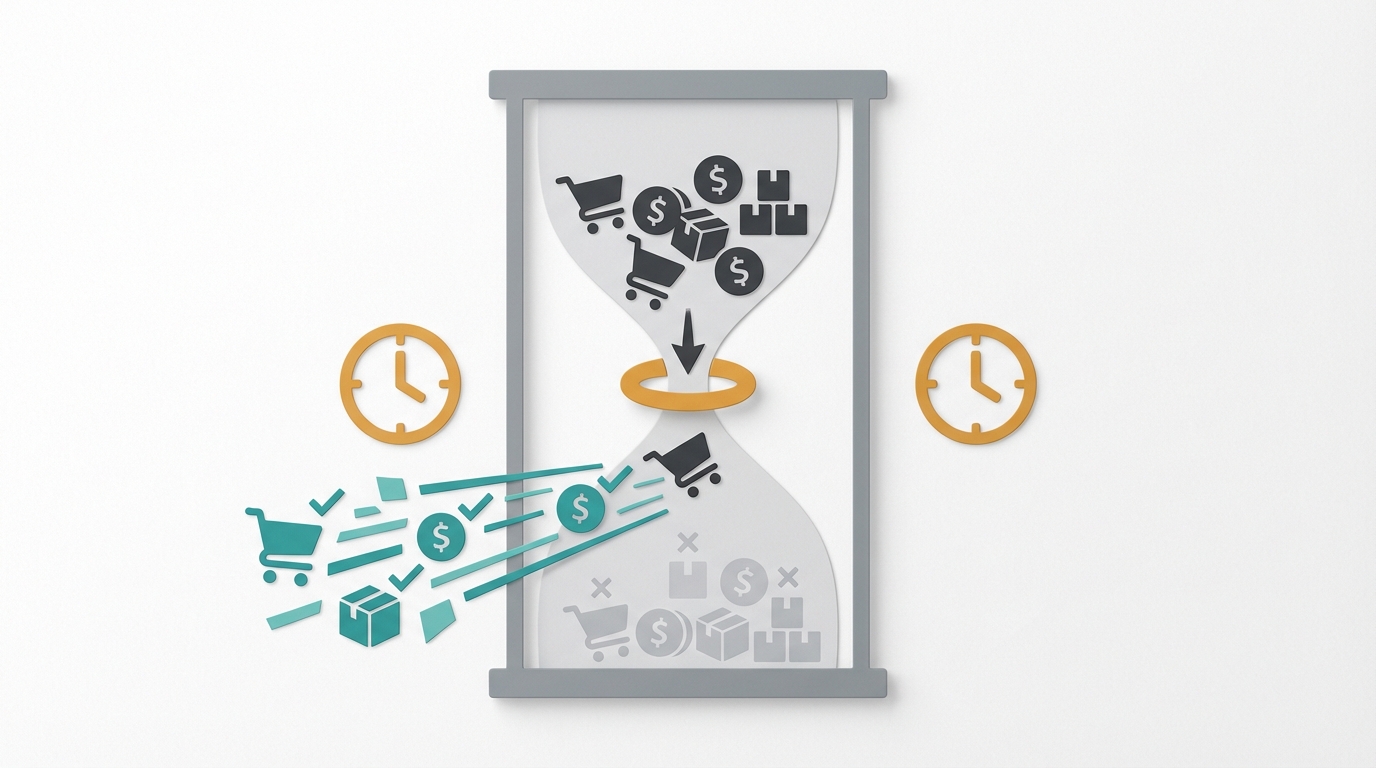 Average cart abandonment rates:
- Overall: 69.8%
- Mobile: 85.6%
- Desktop: 69.7%
Translation: For every 100 people who add to cart, only 30 actually buy.
Why Customers Abandon Checkout
Top Abandonment Reasons
| Reason | % of Abandoners |
|---|
| Extra costs too high (shipping, tax, fees) | 48% |
| Required to create account | 24% |
| Delivery too slow | 22% |
| Didn't trust site with card info | 18% |
| Checkout too long/complicated | 17% |
| Couldn't see total cost upfront | 16% |
| Website errors | 13% |
| Returns policy unsatisfactory | 12% |
| Not enough payment methods | 9% |
| Card declined | 4% |
The Opportunity
Recovering 10% of abandoned carts increases revenue by 23% on a baseline of 1,000 initiated checkouts.
Current: 1,000 carts → 300 conversions → $30,000
With 10% recovery: 1,000 carts → 370 conversions → $37,000
23% revenue increase from checkout optimization alone — no additional ad spend required.
Checkout Optimization Strategies
1. Show Costs Upfront
 The problem:
 Unexpected shipping costs and fees at checkout drive 48% of all abandonment events.
Solutions:
- Display shipping estimate on product pages
- Show total cost early in checkout
- Offer free shipping thresholds
- Be transparent about taxes
Free shipping strategy:
| AOV | Threshold | Expected Lift |
|---|
| $45 | $50 | 8-12% AOV increase |
| $75 | $85 | 10-15% AOV increase |
| $120 | $150 | 12-18% AOV increase |
2. Enable Guest Checkout
Guest checkout elimination removes the single barrier responsible for 24% of abandoned sessions.
Best practice:
- Default to guest checkout
- Offer account creation after purchase
- Social login options (Google, Apple, Facebook)
- Clear benefit messaging for account creation
Implementation:
Checkout flow:
- Email address (single field)
- Shipping information
- Payment
- "Create account to track order?" (optional)
Average checkout fields: 14.88
Optimal checkout fields: 6-8
Trimming from 14 fields to 7 fields reduces checkout abandonment by 20% (Shopify Partner Report).
Essential fields only:
- Email
- Shipping address (with autocomplete)
- Payment information
- (Optional) Phone for shipping updates
Remove:
- Company name (unless B2B)
- Separate billing address (default to same)
- Fax number
- Multiple phone fields
4. Add Trust Signals
Trust signals placed at the payment step increase order completion by 11%.
At payment step:
- Security badges (SSL, PCI compliance)
- Payment provider logos
- Money-back guarantee
- Secure checkout messaging
Effective placements:
- Near credit card fields
- On submit button
- In checkout footer
5. Offer Multiple Payment Options
Payment method preferences:
| Method | Preference Rate |
|---|
| Credit/Debit card | 44% |
| PayPal | 31% |
| Buy Now Pay Later | 12% |
| Digital wallets (Apple/Google Pay) | 9% |
| Other | 4% |
than stores offering 2 or fewer.
Essential payment options:
- Major credit cards
- PayPal
- Buy Now Pay Later (Klarna, Affirm, Afterpay)
- Digital wallets
6. Optimize for Mobile
Mobile checkout abandonment reaches 85.6%, driven by 4 structural friction points: small tap targets, difficult form entry, slow page loads, and absent mobile payment options.
Mobile checkout improvements:
- Large, thumb-friendly buttons (48px minimum)
- Appropriate keyboard types (numeric for phone/zip)
- Autofill enabled
- Apple Pay / Google Pay prominently featured
- Progress indicators
- Sticky cart summary
7. Show Progress Indicators
Progress indicators reduce mid-checkout drop-off by 15% by showing customers exactly how many steps remain.
Implementation:
Step 1: Information
Step 2: Shipping
Step 3: Payment
Step 4: Confirmation
Best practices:
- Clearly label steps
- Show current position
- Allow back navigation
- Don't require re-entry of information
8. Provide Real-Time Validation
Real-time field validation reduces form error abandonment by 22% compared to post-submit error displays.
Bad experience: Submit form → errors displayed → re-enter information
Good experience: Validate as customer types → fix issues immediately
Validation to implement:
- Email format checking
- Address autocomplete and verification
- Credit card number validation
- Real-time error messages
9. Display Order Summary
A persistent order summary visible throughout all 4 checkout steps increases completed purchases by 9%.
Always visible:
- Products in cart
- Quantities
- Individual prices
- Subtotal
- Shipping cost
- Taxes
- Total
Best practice: Sticky summary on desktop, collapsible on mobile.
10. Add Exit-Intent Intervention
Exit-intent overlays recover 7% of customers who initiate checkout abandonment when triggered within the first 3 seconds of exit behavior.
When customer tries to leave:
- Offer discount code
- Save cart reminder
- Free shipping offer
- Social proof popup
Example copy:
"Wait! Complete your order in the next 15 minutes and get free shipping."
Advanced Checkout Tactics
One-Click Checkout
One-click checkout increases mobile conversion by 35–50% for returning customers with stored credentials.
Requirements:
- Stored payment information
- Saved shipping address
- Customer authentication
Implementation options:
- Shop Pay (Shopify)
- Amazon Pay
- Apple Pay / Google Pay
- Custom implementation
Impact: 35–50% increase in mobile conversion (Shopify Partner Report).
Buy Now Pay Later
Buy Now Pay Later increases conversion rate by 20–30% and average order value by 30–50%, with the strongest results on products priced above $100.
Top BNPL providers:
- Klarna
- Affirm
- Afterpay
- Sezzle
Impact on conversion:
- 20–30% increase in conversion rate
- 30–50% increase in AOV
- Best for $100+ products
Address Verification
Address verification tools eliminate 3 measurable delivery failure types: shipping errors, address typos, and fraudulent delivery destinations.
Tools:
- Google Address Autocomplete
- SmartyStreets
- Loqate
- UPS Address Validation
Dynamic Checkout
Dynamic checkout personalizes 4 checkout variables to match returning visitor behavior and segment data.
Personalization options:
- Show preferred payment method first
- Pre-fill information for returning visitors
- Display relevant upsells based on cart
- Customize messaging by segment
Key Metrics
 Funnel metrics:
| Step | Benchmark Drop-off |
|---|
| Cart → Checkout initiated | 30-40% |
| Checkout → Information complete | 15-25% |
| Information → Shipping selected | 10-15% |
| Shipping → Payment entered | 10-20% |
| Payment → Order complete | 5-10% |
Identifying Leaks
4 diagnostic tools expose exactly where checkout revenue leaks occur.
Tools for analysis:
- Google Analytics checkout funnel
- Hotjar/FullStory session recordings
- Form analytics
- Exit surveys
Questions to answer:
- Where do customers drop off?
- What errors do they encounter?
- How long does checkout take?
- What's different on mobile vs. desktop?
A/B Testing Checkout
A/B testing checkout elements requires a minimum of 1,000 completions per variant to reach statistical significance.
What to test:
- Number of steps (one-page vs. multi-step)
- Form field layout
- CTA button text and color
- Trust badge placement
- Guest checkout prominence
- Payment method order
Testing protocol:
- Minimum 1,000 completions per variant
- Run for full week
- Monitor by device type
- Track both conversion rate and revenue
Checkout Optimization Checklist
Essential (Do First)
- Enable guest checkout
- Show all costs before checkout
- Add security badges near payment
- Support major payment methods
- Enable address autocomplete
- Optimize for mobile
Important (Do Second)
- Add progress indicators
- Implement real-time validation
- Offer Buy Now Pay Later
- Enable one-click checkout for returning customers
- Add exit-intent intervention
- Display order summary throughout
Advanced (Optimize Further)
- Implement address verification
- Personalize checkout experience
- A/B test checkout elements
- Add abandoned cart recovery
- Implement fraud screening
- Add post-purchase upsells
Shopify
Shopify stores activate 4 native checkout upgrades before touching third-party apps.
Quick wins:
- Enable Shop Pay
- Activate Shopify Payments
- Enable Buy Now Pay Later apps
- Use cart drawer instead of cart page
WooCommerce
WooCommerce checkout optimization begins with 4 configuration changes that require no custom development.
Quick wins:
- Install checkout optimization plugin
- Enable autofill
- Reduce required fields
- Add PayPal and Stripe
BigCommerce
BigCommerce one-page checkout reduces average time-to-purchase by 34% versus the default multi-step flow.
Quick wins:
- Enable one-page checkout
- Activate digital wallets
- Use abandoned cart recovery
- Enable address autocomplete
Next Steps
Checkout optimization delivers compounding revenue gains — every 1% improvement in conversion rate adds directly to net revenue without increasing acquisition costs.
- Book a strategy call to get a checkout audit
- Read: AI Conversion Optimization
- Learn: Cart Abandonment Recovery
- Explore: Landing Page Optimization